
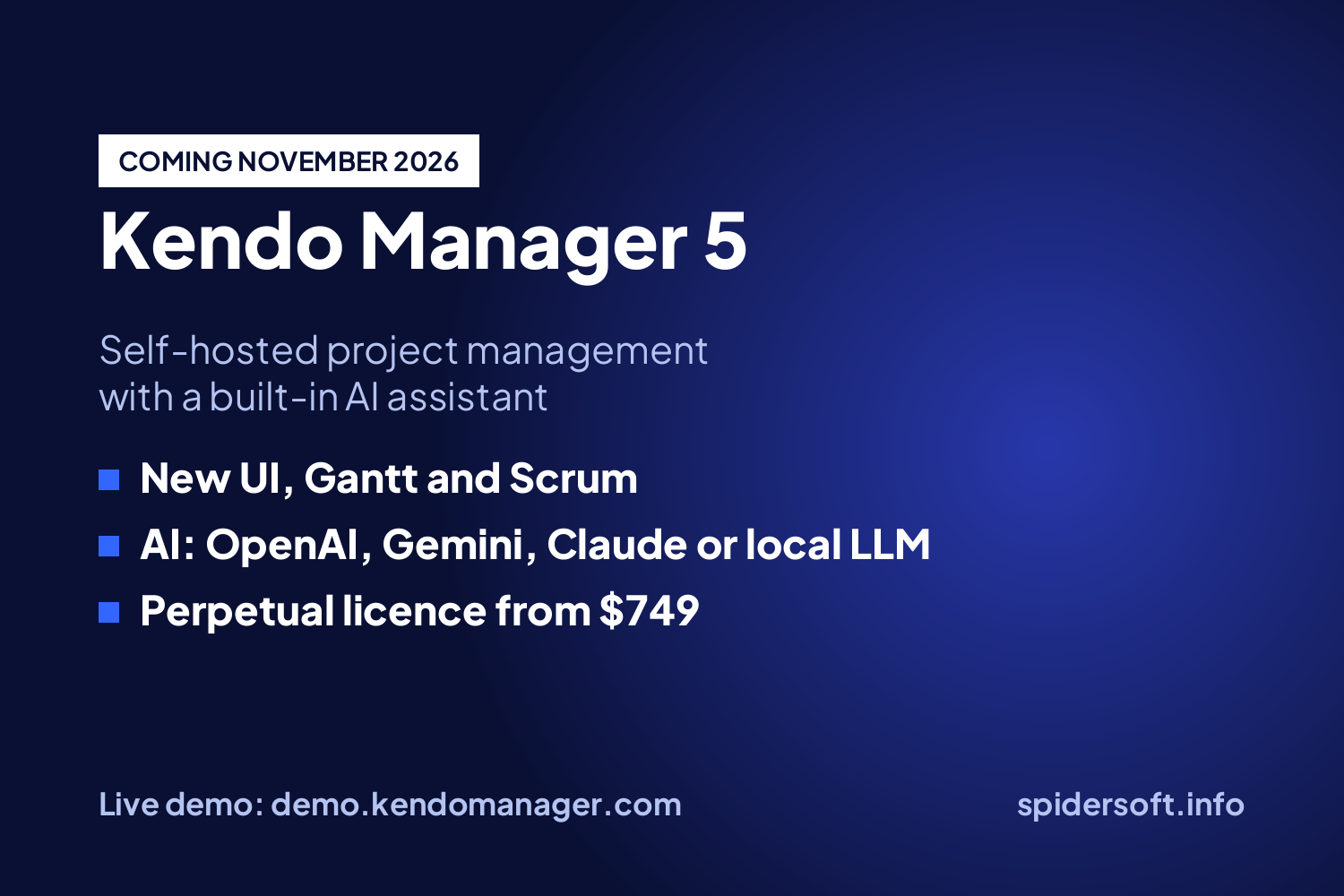
Kendo Manager 5 is the new version of our self-hosted project management software, and it will be released at the end of November 2026. It adds a redesigned interface, a built-in AI assistant that works with OpenAI, Google Gemini, Anthropic Claude or a local LLM, an executive dashboard that analyzes your whole project portfolio, a redesigned Gantt chart, and an interface in 37 languages. Licences are perpetual and start at $749 for 10 users. The live demo already runs version 5, so you can try it before the release at demo.kendomanager.com with the username demo and the password demo1234.
What Is New in Kendo Manager 5?
Version 5 changes three things: how the software looks, how fast you can read the state of your projects, and how much routine analysis you have to do yourself.
| New in version 5 | What it does | Who it helps most |
|---|---|---|
| Redesigned UI/UX | A new interface with faster, simpler workflows across all modules | Every team member, especially new users |
| Kendo AI Assistant | Summarizes projects, analyzes risks and budgets, finds overdue work, and reviews team workload | Project managers |
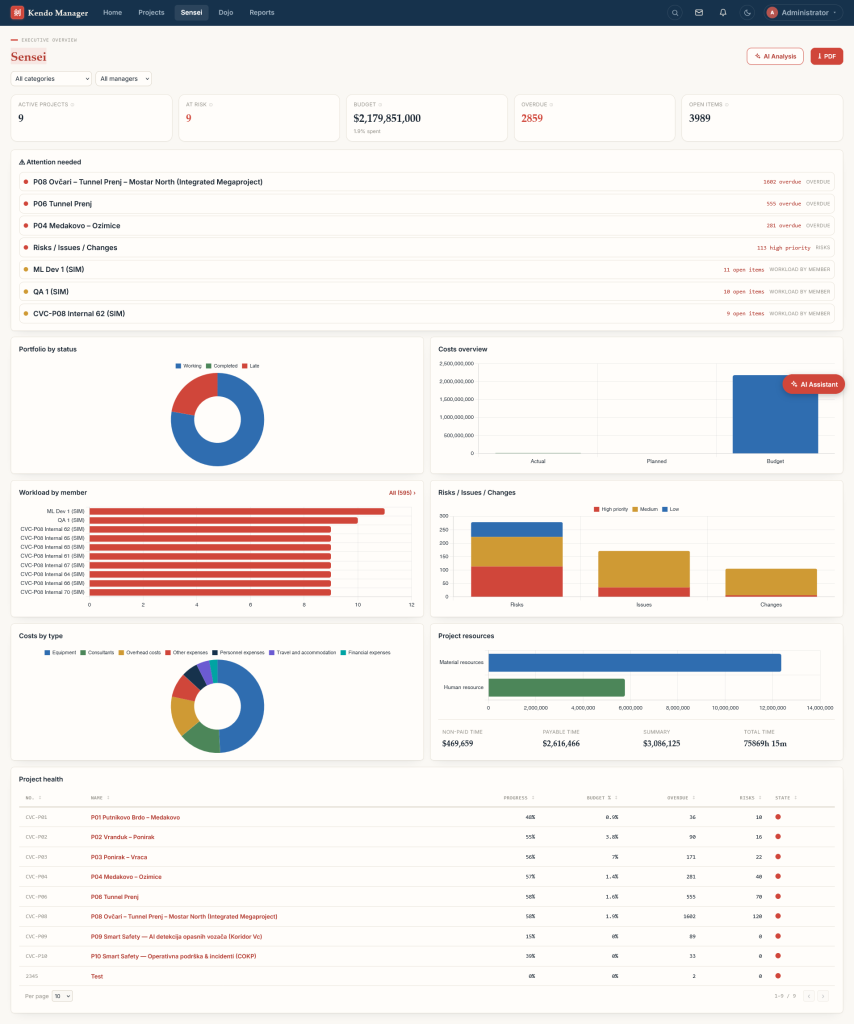
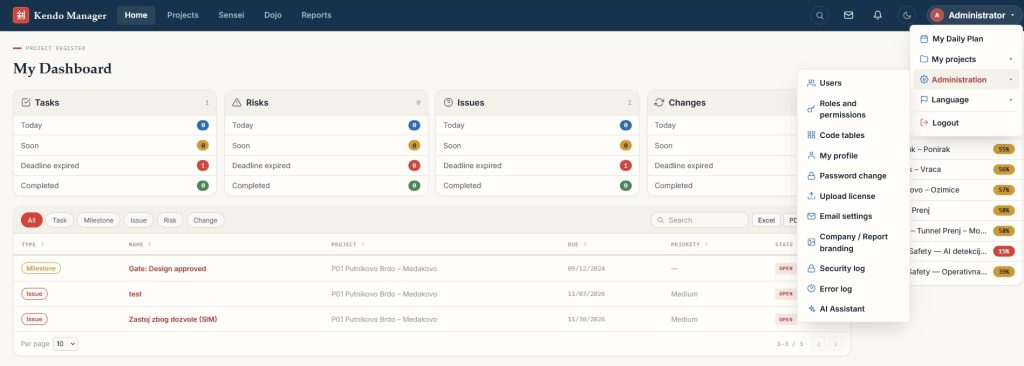
| Kendo Sensei dashboard | Executive dashboard with AI analysis of all active projects and project processes | Directors and PMO leads |
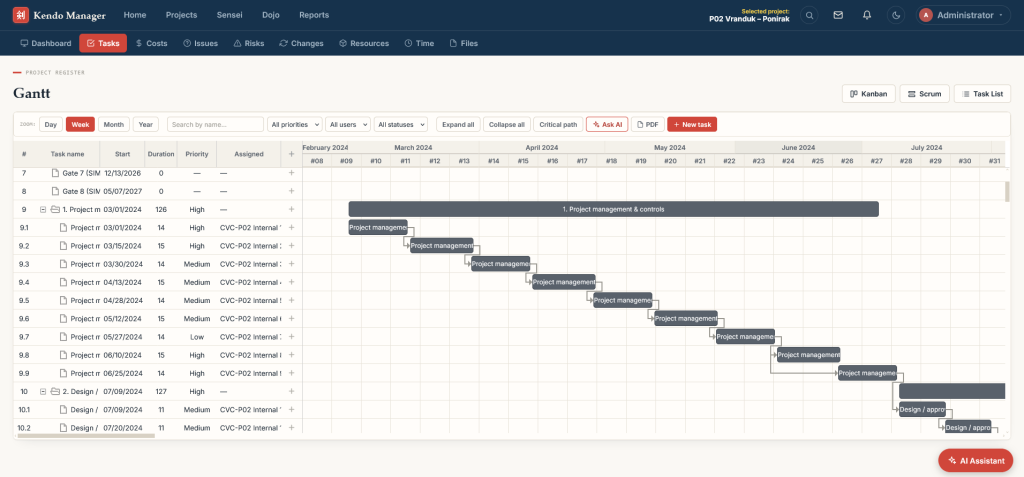
| Redesigned Gantt | A new Gantt module for planning tasks, dependencies, and timelines | Planners and schedulers |
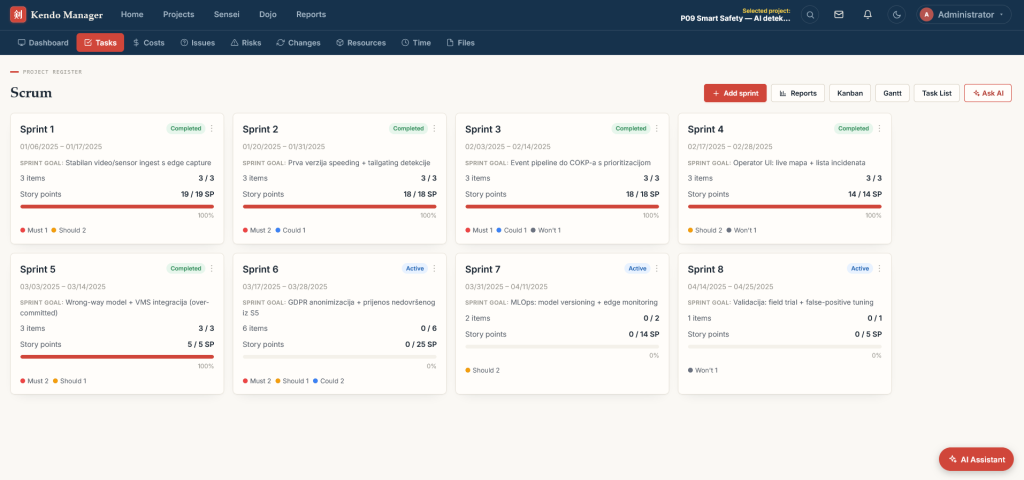
| New Scrum experience | Agile work next to traditional plans in the same project portfolio | Software and product teams |
| 37 languages | Interface languages including Arabic, Simplified Chinese, Korean, Japanese, and Hindi | International and multilingual teams |
Everything else that teams already use stays in every package: task management, Kanban, resource management, cost and budget management, time tracking, issue tracking, risk and change management, roles and permissions, reports, and email notifications.
How Does the Kendo AI Assistant Work?
The Kendo AI Assistant answers questions about your projects inside Kendo Manager, using the AI model your administrator connects. In AI Settings, you choose one of four options:
- OpenAI
- Google Gemini
- Anthropic Claude
- A self-hosted or local LLM running on your own infrastructure
You connect your own account or key, and the AI features are included in the licence at no extra charge. The choice of provider is also a data decision. With a local LLM, project data stays inside your network, which matters for public institutions and companies with strict confidentiality rules. With a cloud provider, the data processing terms of your own AI account apply.
Typical questions a project manager can ask:
- “Which tasks in this project are overdue, and who owns them?”
- “Summarize the status of the project for the board.”
- “Which projects are over budget, and by how much?”
- “Who on the team has too much work next week?”
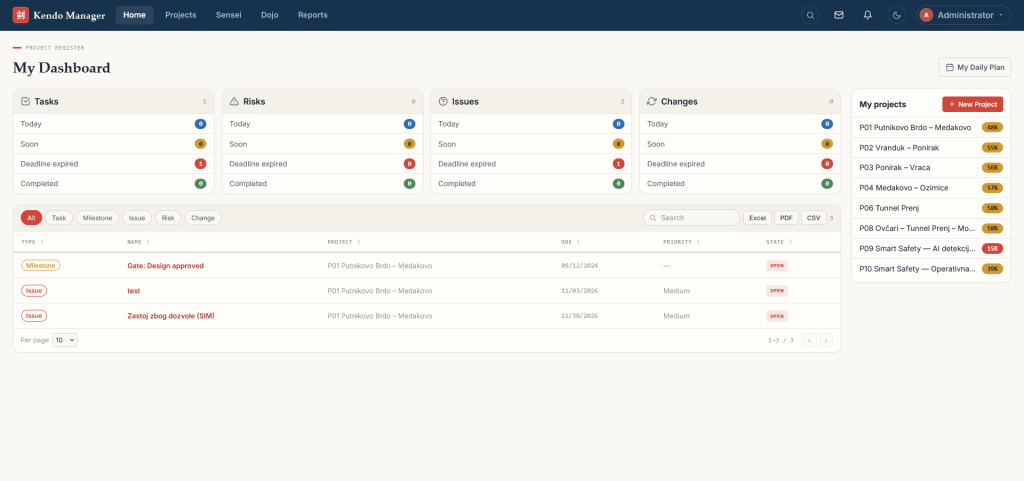
The Kendo Sensei dashboard applies the same analysis to the whole portfolio, so a director sees risks across all active projects in one place instead of opening each project.
Why Are Teams Looking for a Microsoft Project Alternative?
Microsoft retired Project Online on September 30, 2026, after retiring Project for the web in August 2025, so teams that planned their work in Microsoft’s cloud project tools now have to move. Microsoft points them to Planner, to Project Server Subscription Edition for on-premises use, to Dynamics 365 Project Operations, or to the Project desktop app (Microsoft announcement, lifecycle page).
Each of those paths has a trade-off. Planner’s project features cost $30 per user per month in the Planner and Project Plan 3. Project Server Subscription Edition is sold through partners and runs on SharePoint Server. Project Professional 2024 costs $1,129.99 per PC and is a single-user desktop app. For organizations that want their project data on their own servers without per-user subscriptions, a self-hosted tool is the alternative.
How Does Kendo Manager 5 Compare with Microsoft Project and Open-Source Tools?
All tools below include a Gantt chart. They differ in where they run, how you pay, and how much of the project (costs, resources, risks) they cover.
| Tool | Where it runs | Price | Best fit |
|---|---|---|---|
| Kendo Manager 5 | Your Windows server, local network or own cloud; or Kendo-hosted | Perpetual licence, $749 (10 users) to $6,299 (unlimited); free version | Teams that want Gantt, resources, costs, risks, and AI in one self-hosted tool |
| Microsoft Planner and Project Plan 3 | Microsoft cloud | $30 per user per month, paid yearly | Organizations fully committed to Microsoft 365 |
| Microsoft Project Professional 2024 | Desktop, one PC | $1,129.99 one-time per PC | Individual planners who share files, not a live team workspace |
| OpenProject | Self-hosted or cloud | Community edition free; Enterprise from €5.95 per user per month (25 users minimum) | Teams comfortable running an open-source web app |
| ProjectLibre | Desktop; paid cloud version | Desktop free (open source); cloud from $9.99 per user per month | Single schedulers replacing the Project desktop app |
| Redmine | Self-hosted | Free (GPL v2) | Issue tracking with basic Gantt, extended through plugins |
| GanttProject | Desktop | Free (GPL v3) | Simple schedules for one person |
Prices are from the vendors’ own pricing pages in November 2026: Microsoft Planner, Microsoft Project, OpenProject, ProjectLibre, Redmine and GanttProject. For a broader look at the self-hosted category, see our guide to self-hosted and on-premise project management.
How Much Does Kendo Manager 5 Cost?
Kendo Manager 5 is sold as a perpetual licence: you pay once, and the software keeps working without a subscription. Every package includes all features, unlimited projects, on-premises installation, and 12 months of upgrades and technical support.
| Package | Users | One-time price |
|---|---|---|
| Free version | 10 team members, 1 active project | $0 |
| Startup | 10 | $749 |
| Office | 20 | $1,249 |
| Business | 50 | $2,499 |
| Business Pro | 100 | $3,799 |
| Professional | Unlimited | $6,299 |
From the second year, optional maintenance costs 35% of the licence price per year and covers new versions and technical support. If you do not renew, the software keeps working on the version you have. Current prices and the enterprise option are on the Kendo Manager pricing page.
What Does a 20-Person Team Pay over Three Years?
Over three years, a 20-person team pays about $2,123 for Kendo Manager Office, against $7,200 for Microsoft Planner Plan 1 and $21,600 for the Planner and Project Plan 3.
The comparison covers software only. Kendo Manager runs on a Windows server or VPS you already have or rent, while Microsoft’s cloud plans include hosting. If you add a Windows VPS at $40 per month ($1,440 over three years), Kendo Manager Office still totals about $3,563, less than half the cost of Planner Plan 1.
What Do You Need to Install Kendo Manager?
Kendo Manager runs on Windows and installs with a one-click installer that also sets up the database. The published requirements are:
| Component | Requirement |
|---|---|
| Operating system | Windows 10 or 11, Windows Server, Windows VPS, or Azure |
| Web server | Internet Information Services (IIS) |
| Framework | .NET Framework 4 or newer |
| Database | MariaDB, included in the installation package |
| Hardware | Dual-core processor, 2 GB of RAM or more |
You can run Kendo Manager inside a local network without internet access, or online on your own Windows server or ASP.NET hosting with Plesk. If you prefer not to manage a server, Kendo also offers hosted plans for 10 to 100 users. The installation guide walks through both the installer and the manual setup.
How Can You Try Kendo Manager 5?
The fastest way is the live demo, which needs no installation:
- Open demo.kendomanager.com.
- Sign in with the username demo and the password demo1234.
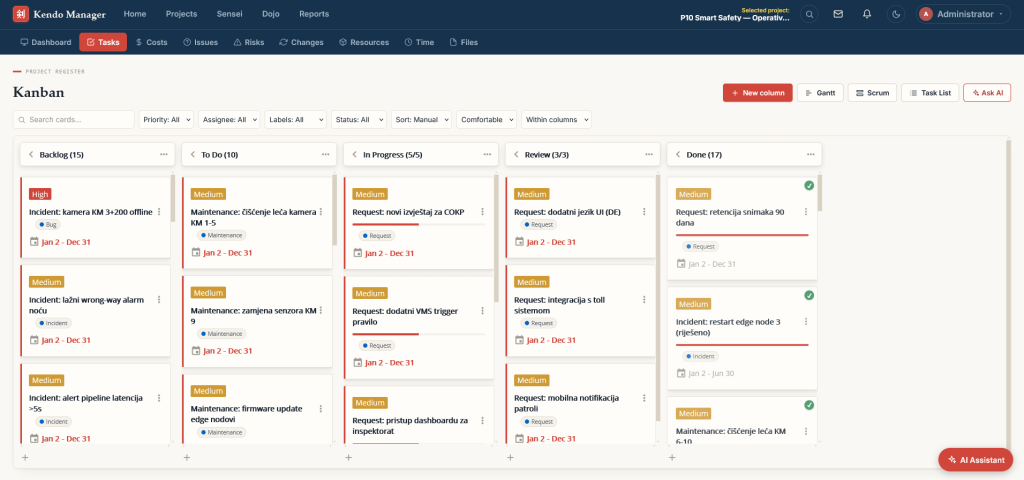
- Open a sample project and look at the Gantt chart, the Kanban board, and the cost overview.
- Ask the Kendo AI Assistant for a project summary or a list of overdue tasks.
To test Kendo Manager on your own server with your own data, start with the free version (1 active project, 10 team members) or request a 30-day trial of a paid package from the Kendo Manager product page. If you need help with installation or with moving your projects from another tool, our project management consulting team can set it up for you.
FAQ: Kendo Manager 5
When will Kendo Manager 5 be released?
At the end of November 2026. The live demo at demo.kendomanager.com already runs version 5.
Is Kendo Manager 5 free?
There is a free version for 1 active project and 10 team members with all features. Paid packages start at $749 one-time for 10 users and unlimited projects.
Does the Kendo AI Assistant send my data to OpenAI?
Only if you choose OpenAI as the provider. Kendo Manager 5 also supports Google Gemini, Anthropic Claude, and self-hosted local models. With a local model, project data does not leave your infrastructure.
Does Kendo Manager work offline?
Yes. Kendo Manager is self-hosted and runs on a local network without a constant internet connection. You only need internet access if you want people outside your network to reach it.
Which languages does Kendo Manager 5 support?
The interface is available in 37 languages, including English, German, Spanish, Italian, Slovenian, Serbian, Croatian, Bosnian, Arabic, Simplified Chinese, Korean, Japanese, and Hindi.
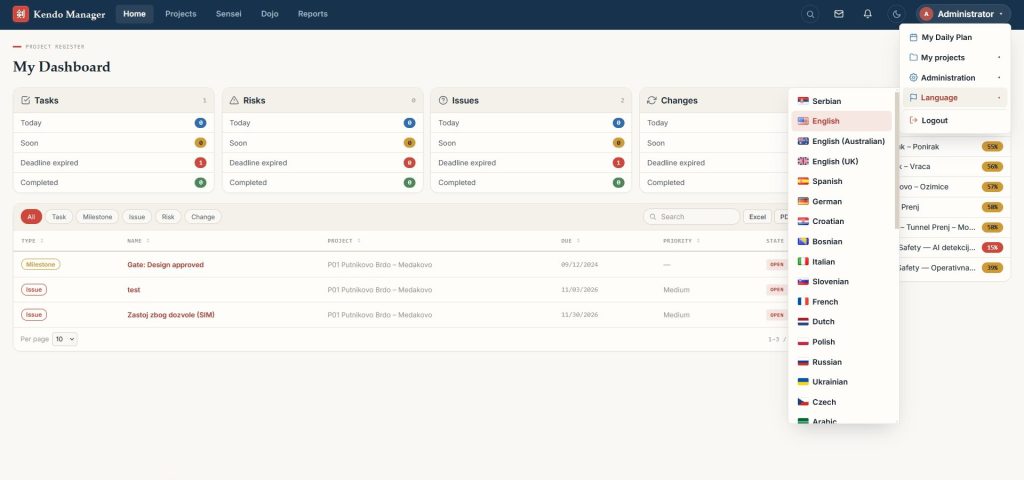
All 37 supported languages and their locale codes:
 Serbian
sr-Latn-RS English
en-US English (Australian)
en-AU English (UK)
en-GB Spanish
es-ES German
de-DE Croatian
hr-HR Bosnian
bs-BA Italian
it-IT Slovenian
sl-SI French
fr-FR Dutch
nl-NL Polish
pl-PL Russian
ru-RU Ukrainian
uk-UA Czech
cs-CZ Arabic
ar Turkish
tr-TR Portuguese
pt-PT Slovak
sk-SK Portuguese (Brazil)
pt-BR Romanian
ro-RO Greek
el-GR Hungarian
hu-HU Bulgarian
bg-BG Albanian
sq-AL Macedonian
mk-MK Montenegrin
cnr Chinese (Simplified)
zh-CN Korean
ko-KR Japanese
ja-JP Swedish
sv-SE Norwegian
nb-NO Danish
da-DK Finnish
fi-FI German (Austria)
de-AT Hindi
hi-INCan I use Kendo Manager in the cloud?
Yes. You can install it on your own cloud server (a Windows VPS or Azure), or use a Kendo-hosted plan for 10 to 100 users.
Related reading: Self-hosted vs on-premise project management · SaaS project management software: complete guide · Benefits of free Gantt chart software